
Cortex

Search the way you think

Cortex uses AI to intelligently connect your files, apps and what you browse. Search across your spaces, share with context and keep work moving without juggling tabs.
find

Your files, apps, content, collaborators and everything you reference— all connected

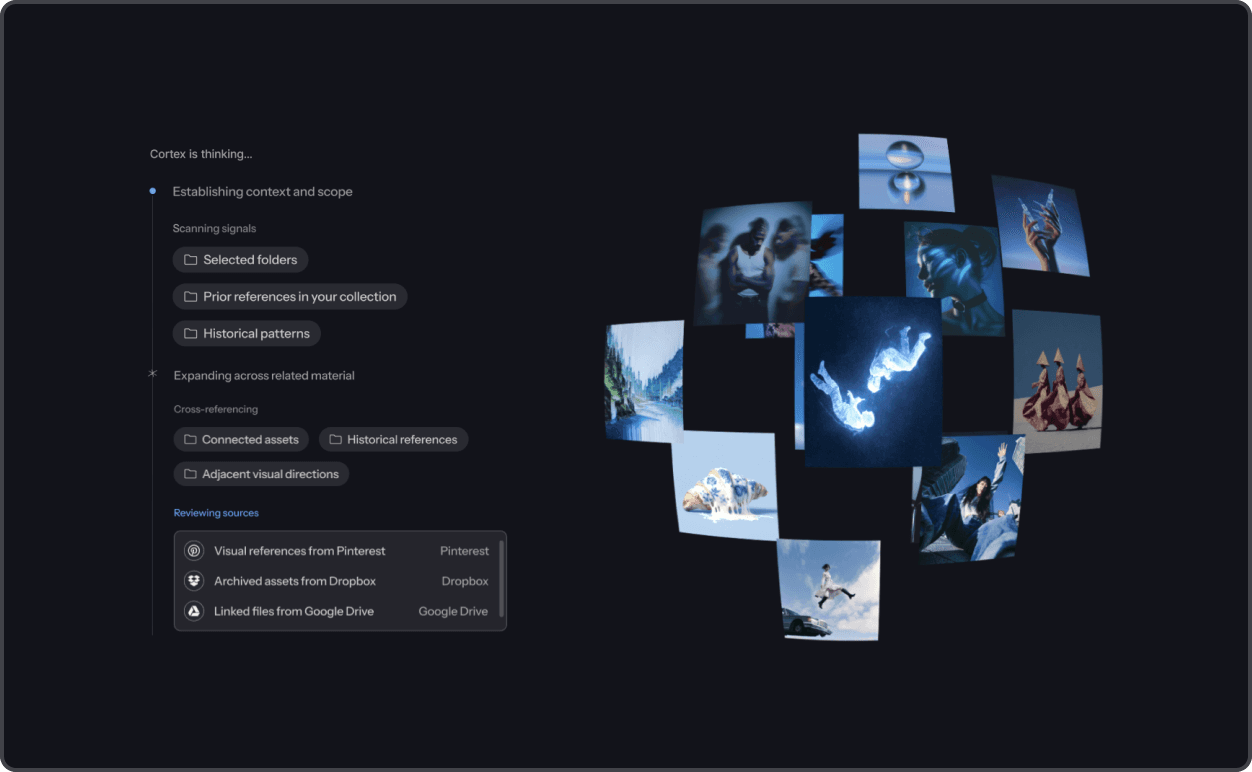
Cortex brings all of your files, media, apps, collaborators, and references in a single view.

explore integrations

find

Your files, apps, content, collaborators and everything you reference— all connected

Cortex brings all of your files, media, apps, collaborators, and references in a single view.

explore integrations

01

Search once, see everything

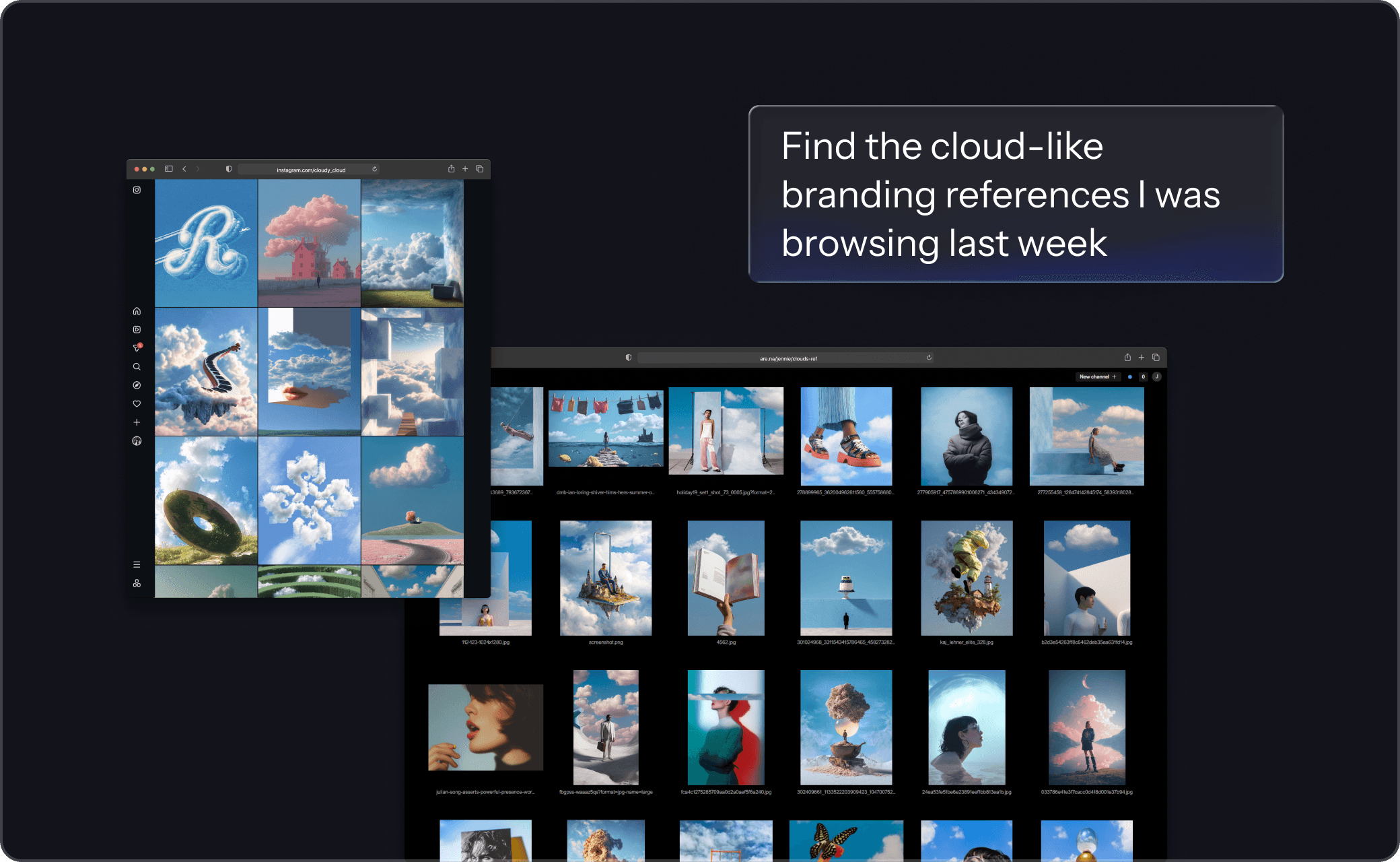
Surface the exact images, videos, frames, or image regions you need, without digging.

02

Search by what you remember and how it feels

Use descriptions, visual cues, style factors and vibe instead of filenames or sources

03

Search by style across your internal work and across the web

Use your project or team’s work as style input to find matching visuals across internal work and the web.

explore web search

04

Find things you’ve never saved

Surface references you’ve browsed on inspo sites, across the web and from the team - even if you never saved them.

explore assistive browsing

analyze

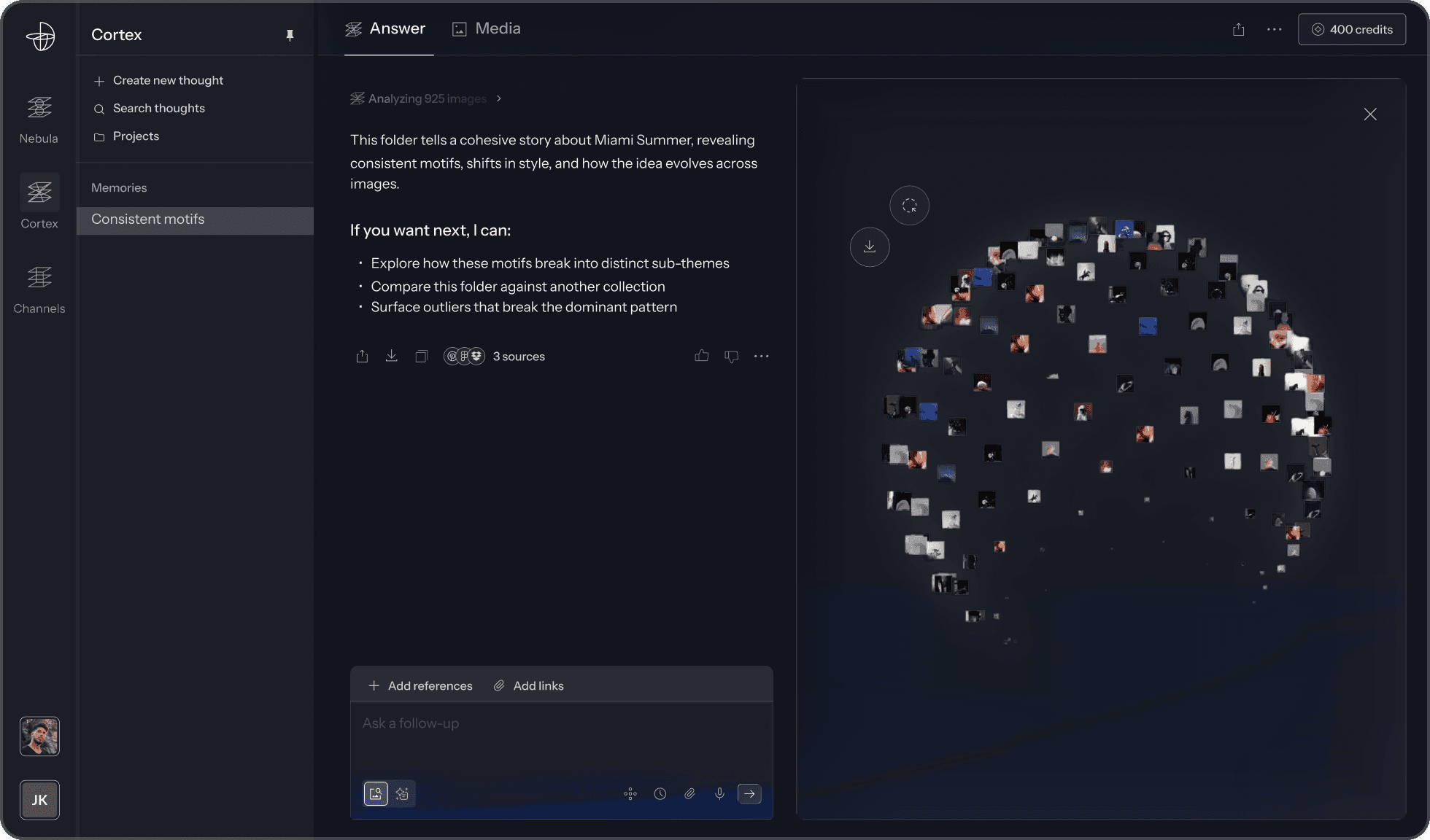
Analyze hundreds of images and video frames at once

Turn large, messy sets of media into clear visual direction.
01

Ask anything across large sets of media

Identify consistency, variation, and visual language across hundreds of images or frames at once.

02

Compare directions side by side and see patterns

Break sets into distinct directions and understand the tradeoffs between them in plain terms.

03

Drill down into sequences, moments and properties

Analyze images and video at the level of frames and moments to see how structure unfolds over time.

organize

Shape thousands of images and videos into clear direction

Turn large, messy sets of media into clear visual direction.

01

Organize by intent, style and visual simlarity

Group images and video by what they’re trying to do, how they look, and how they relate — not by filenames or folders.

02

Let structure form as patterns emerge

As you add or explore more media, Cortex continuously reshapes groupings based on similarity and direction.

03

Keep directions distinct without folders

Creative directions stay separate and coherent as work evolves — without manual sorting or cleanup.

THE SYSTEM

Stop collecting, start building

Your content isn’t just saved - it’s indexed, connected, and immediately usable across projects.
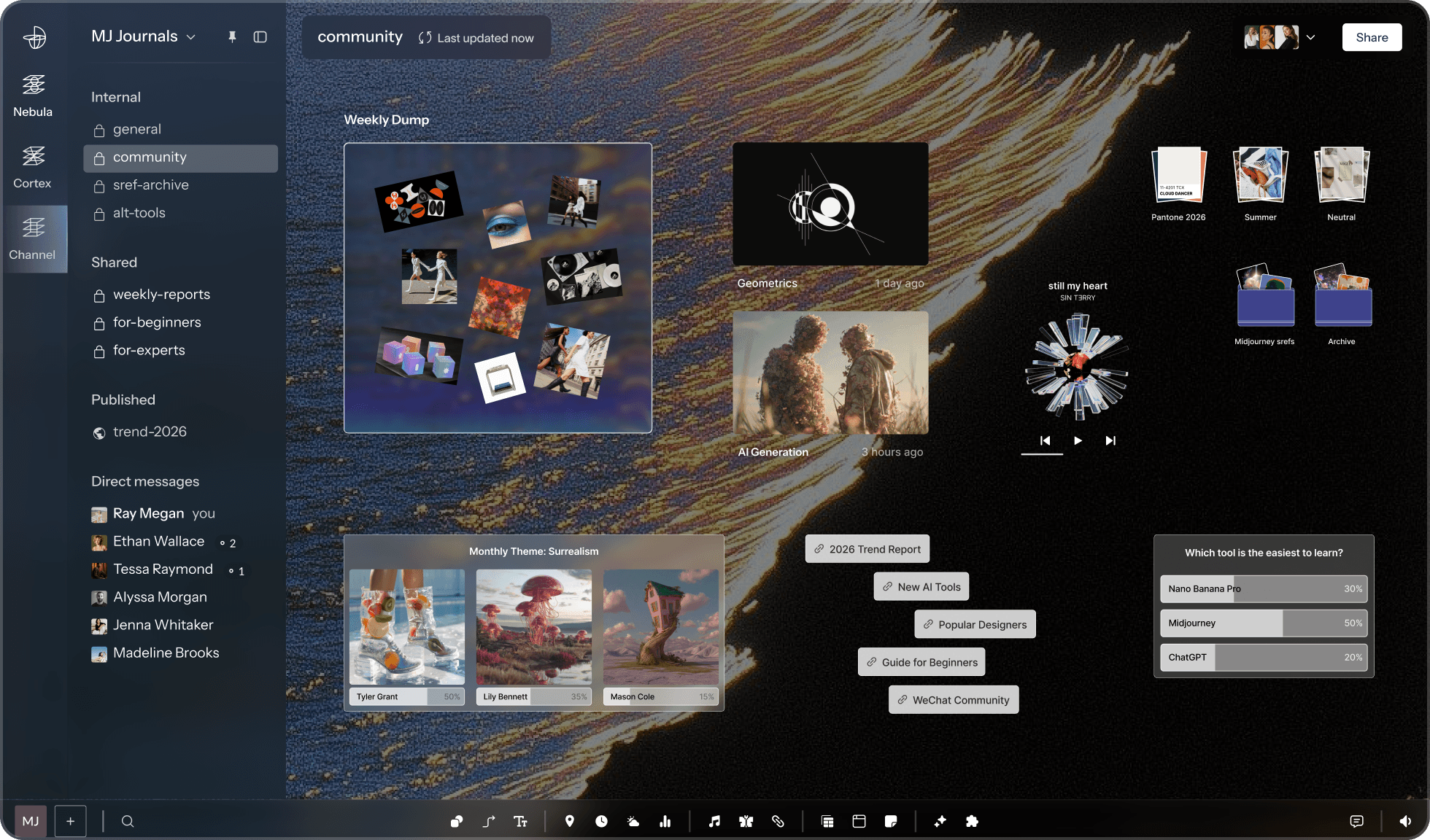
01

Desktop

Use a resolved direction as a shared working surface for collaboration, iteration, and delivery.

explore desktop

02

Nebula

Chosen directions influence what Cortex surfaces, compares, and prioritizes next.

explore nebula

Cortex for creative teams

See how professionals across film, fashion, branding, and design are using the Reverie Suite.

sign up for free
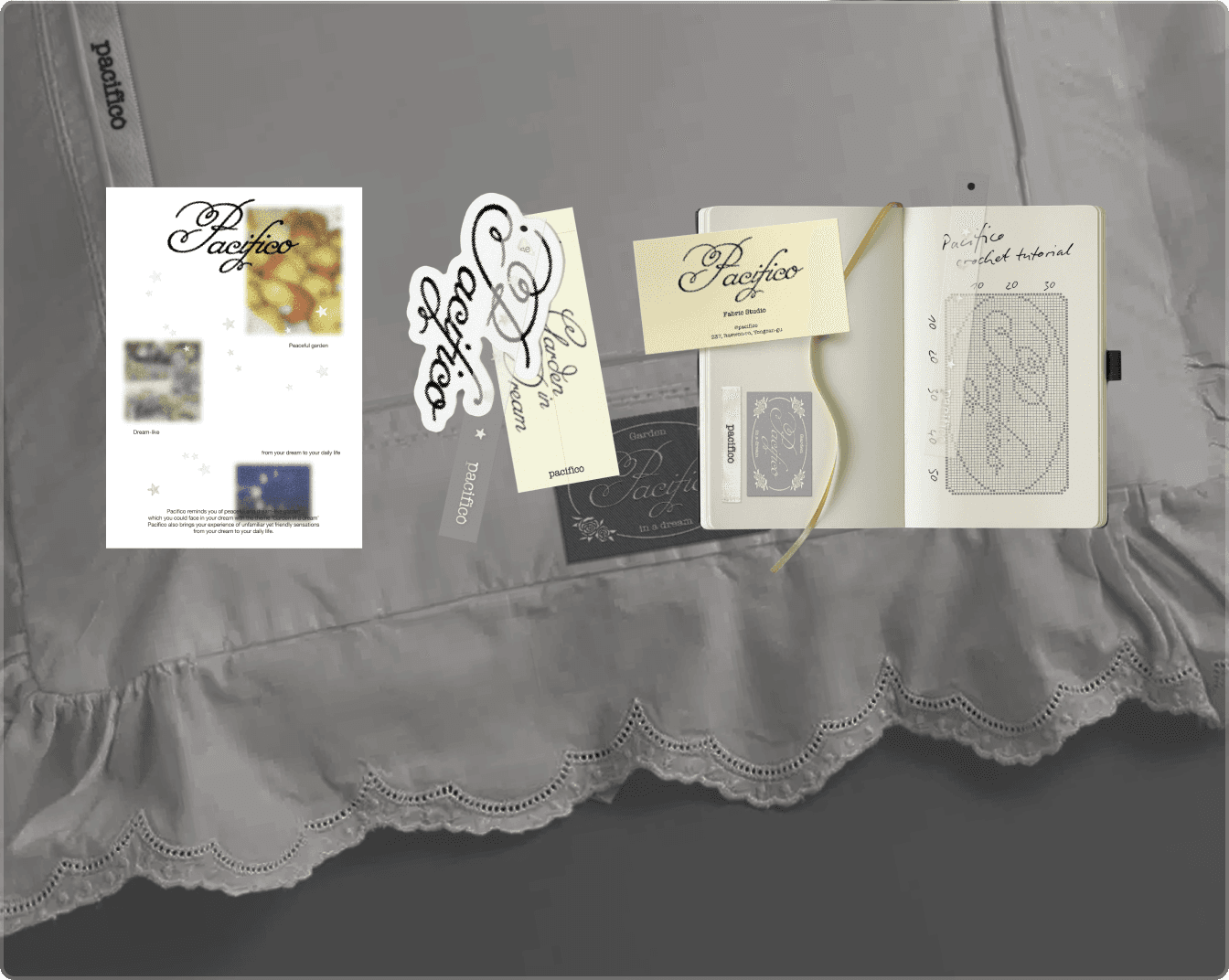
Branding

Brand designer Sunju Park integrates Cortex into her design process

Photography

LA-based photographer Kwesi Abbensetts uses Nebula to plan and manage his shoots

Animation

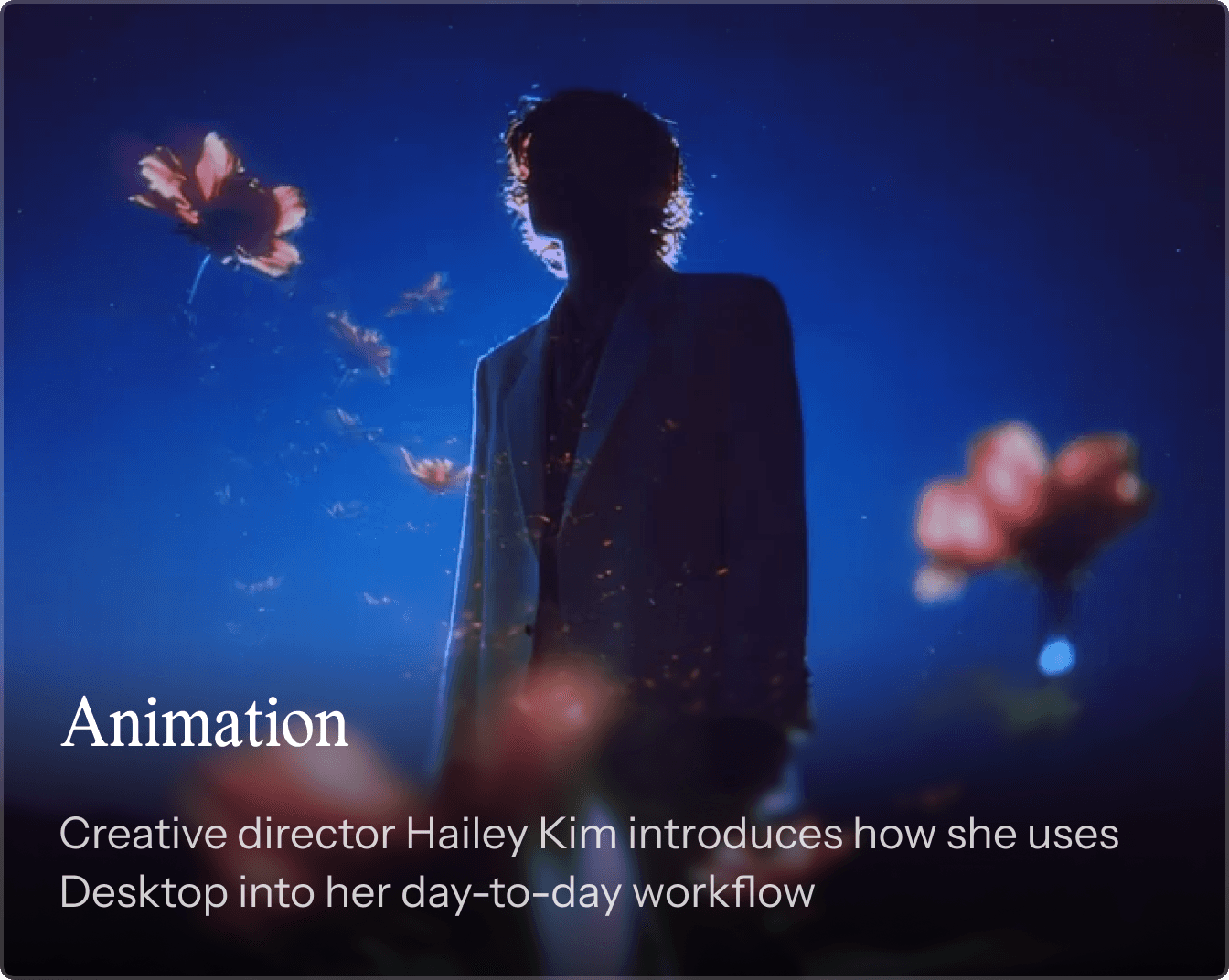
Creative director Hailey Kim introduces how she uses Desktop into her day-to-day workflow

Branding

Brand designer Sunju Park integrates Cortex into her design process

Photography

LA-based photographer Kwesi Abbensetts uses Nebula to plan and manage his shoots

Animation

Creative director Hailey Kim introduces how she uses Desktop into her day-to-day workflow

Cut through the chaos with Reverie Cortex

Be the first to know when Reverie comes out and join our waitlist to be notified when Reverie is available for public launch.

Intelligence across your universe

Intelligence across your universe

Intelligence across your universe

Intelligence across your universe

Intelligence across your universe

Intelligence across your universe